
How to View RSS Feeds
-
Add RSS feeds to your Rad TV account using the instructions here.
-
Open the Rad TV app.
-
Make sure you are logged in and have a Rad TV Premium Subscription.
-
Go to your Library and open the RSS Feeds section.
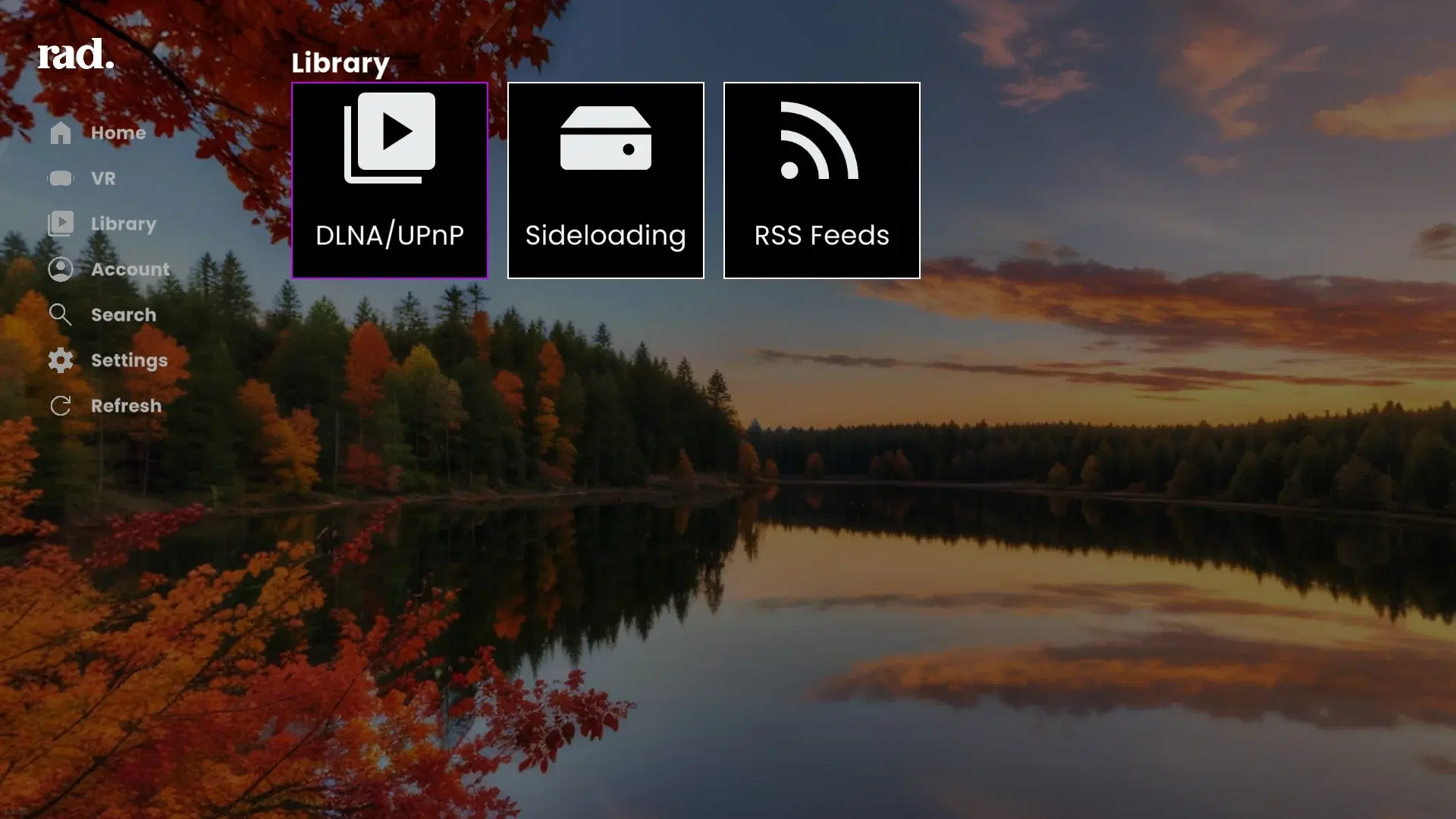
Library Menu -
If the feed you added on your Rad TV account parsed correctly it will show up as a folder (or folder thumbnail).
