
How to Install
Search "Rad TV" on the PlayStation store.
How to Select a Specific Application Version
-
When Launching and the PS VR2 Headset is Turned Off
It will load directly into the standard version of the application.
-
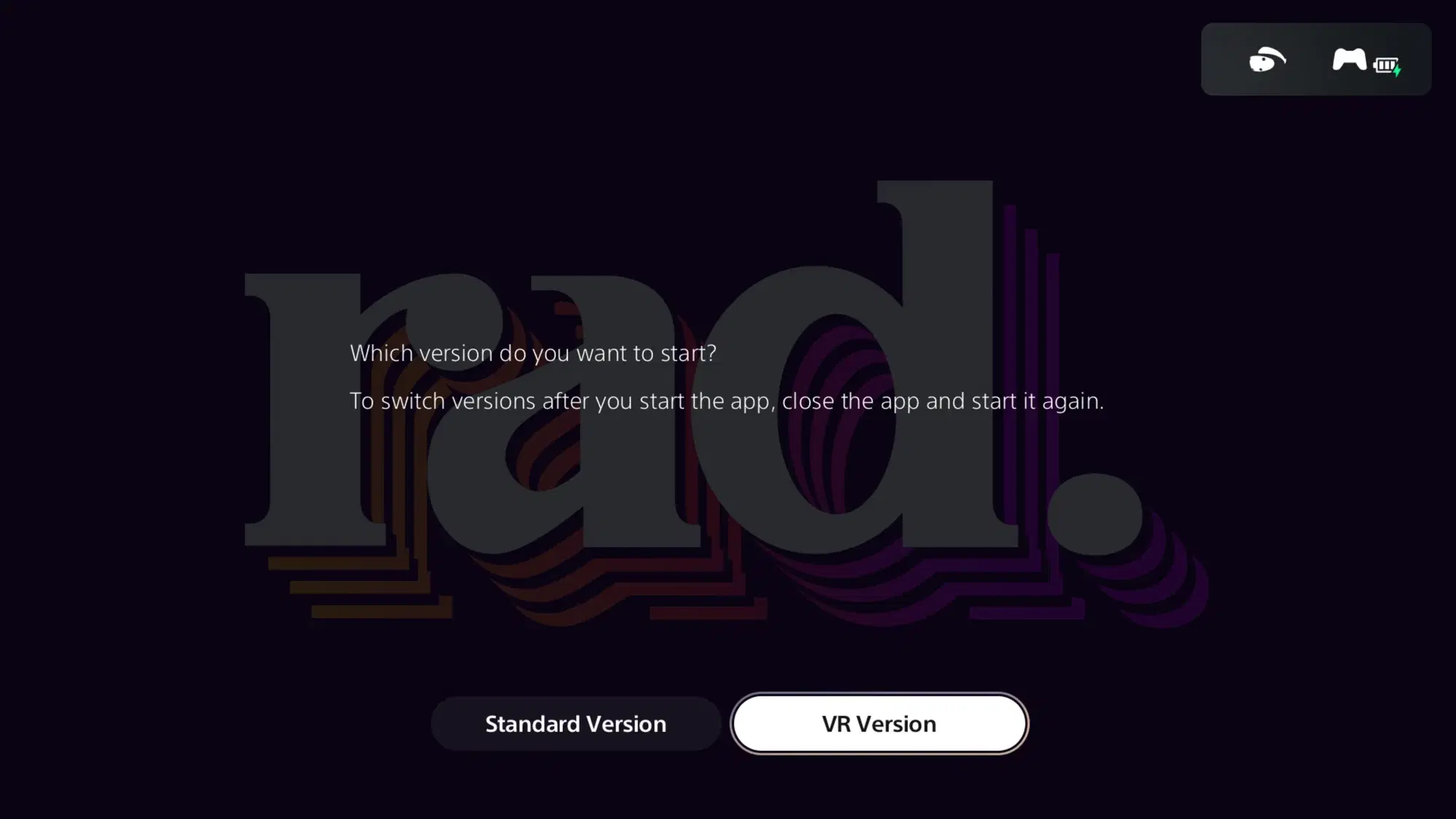
When Launching and the PS VR2 Headset is Turned On
You'll receive a dialog box asking which version: standard or VR of the application you would like to use.
-
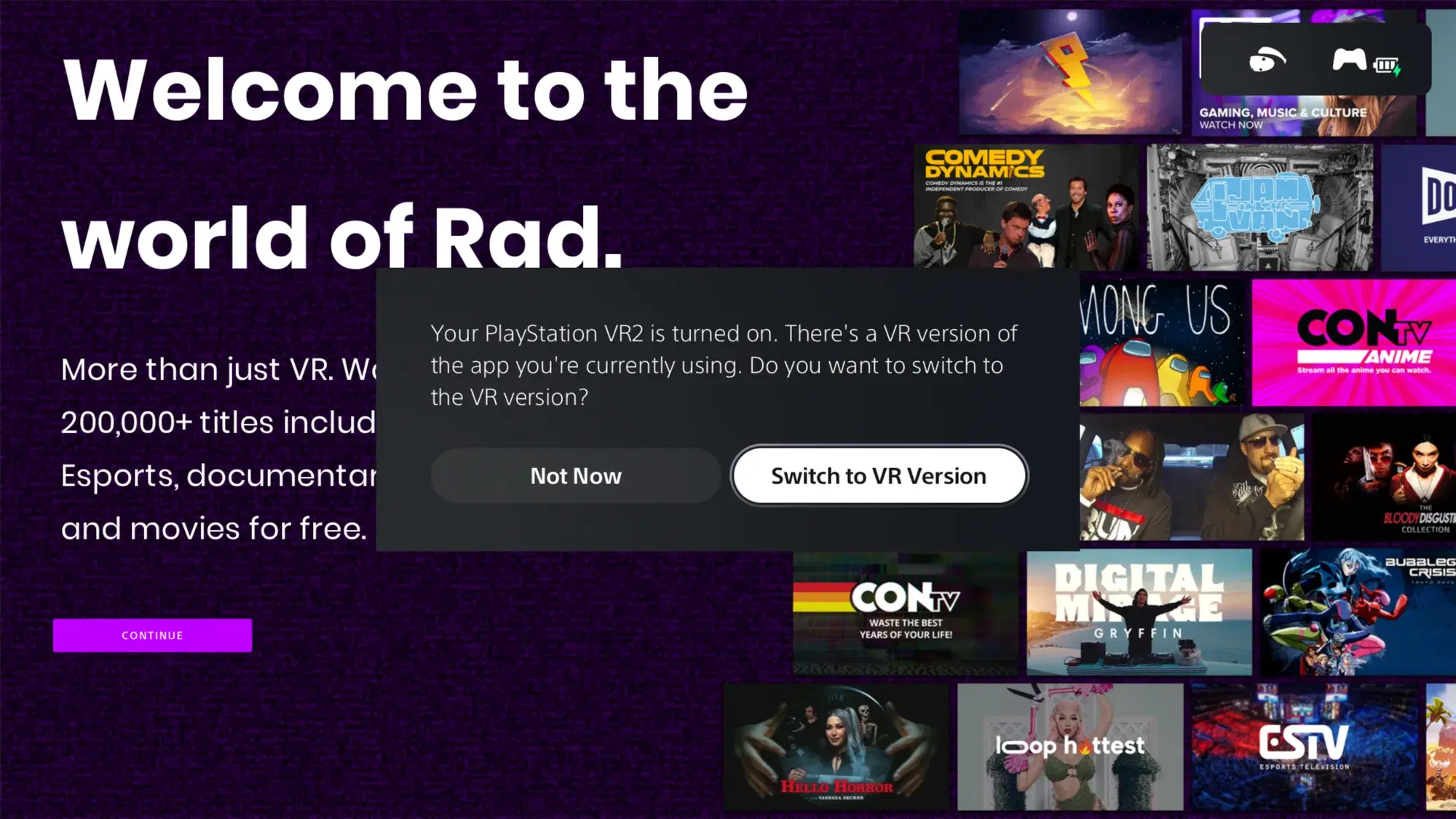
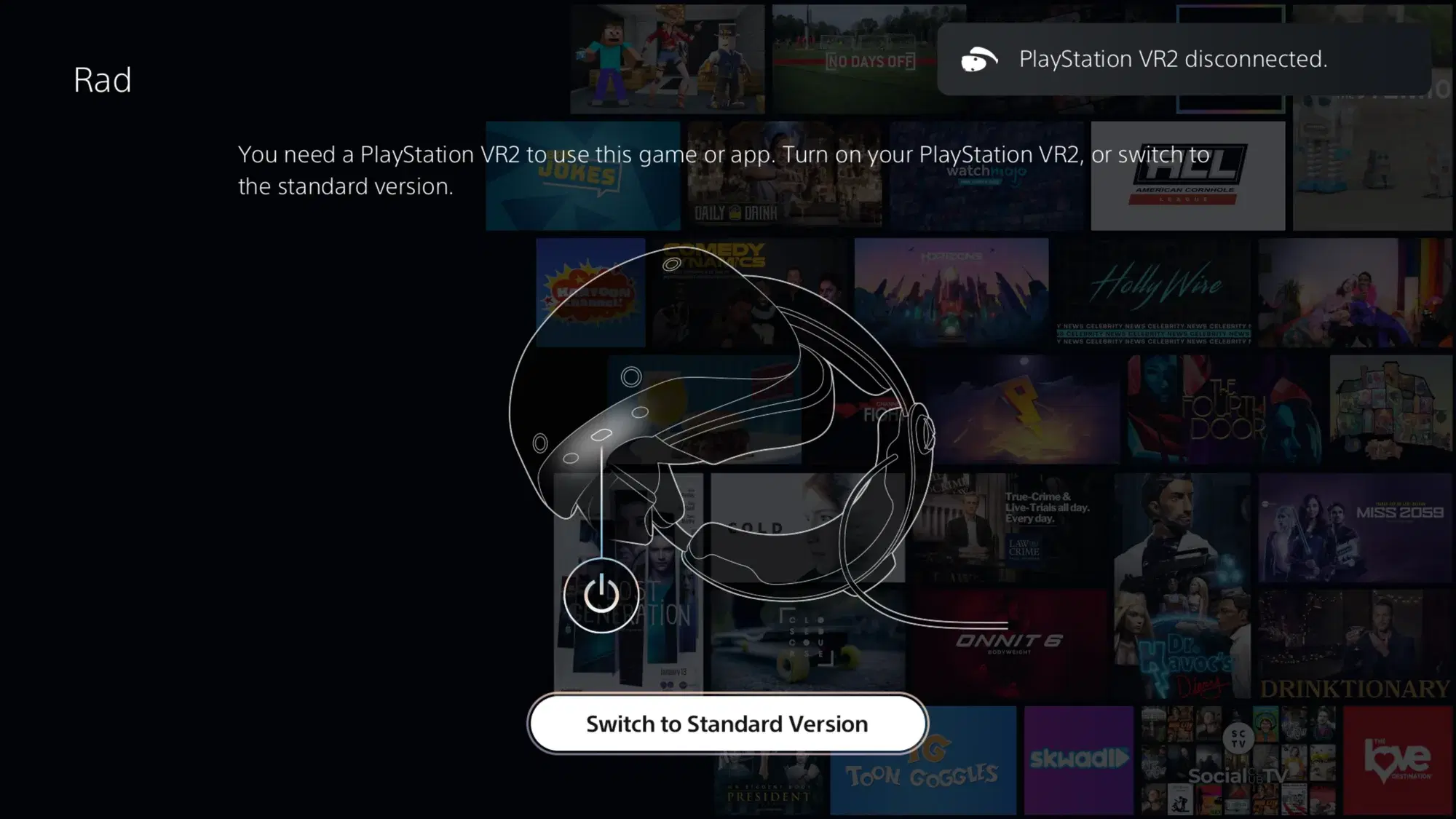
If Already Launched and You Want to Switch Versions
Simply power on or off the PS VR2 headset and you will get a dialog box asking whether you want to switch application versions.
-
From the Standard Version's Sideloading or DLNA/UPnP Screen
Sideloading and DLNA/UPnP are in the VR version. Their screens in the standard version have a button that opens the VR version. Turn on your PS VR2 headset first.
Features Supported
| Standard Version | VR Version | |
|---|---|---|
| Free Live TV² | Yes | No |
| Free On Demand | Yes | Yes |
| Premium Live TV¹² | Yes | No |
| Premium On Demand¹ | Yes | Yes |
| Sideloading¹ | No | Yes |
| DLNA/UPnP¹ | No | Yes |
| RSS Feeds¹ | Yes | Yes |
Video Viewing Formats Supported
| Rectangle (ff) | Spherical 360° (360) | Spherical 180° (180) | |
|---|---|---|---|
| Monoscopic (2d) | Yes | Yes | Yes |
| Stereoscopic Side-By-Side (3d_sbs) | Yes | Yes | Yes |
| Stereoscopic Top-Bottom (3d_tb) | Yes | Yes | Yes |
