
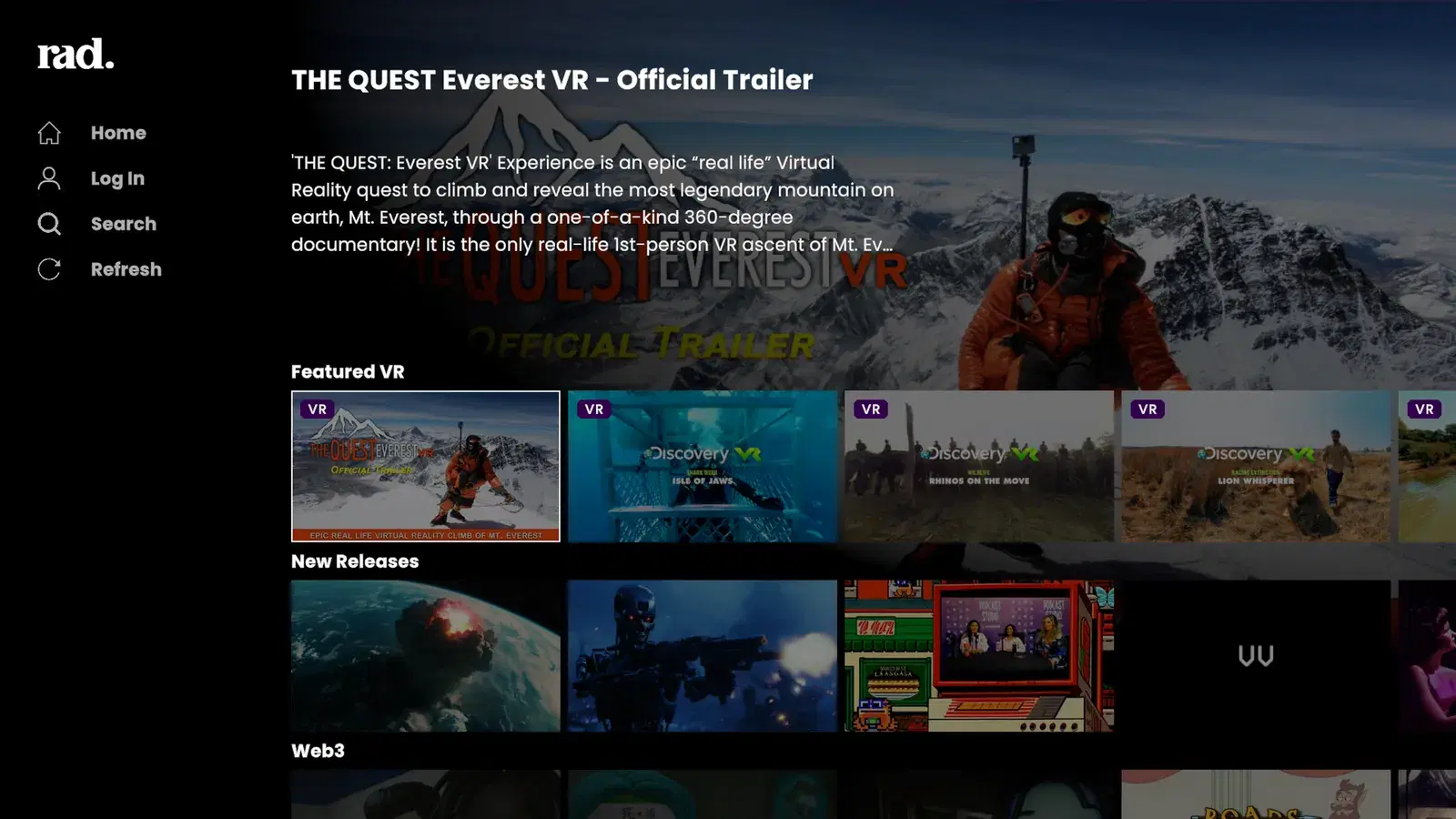
Standard version, on your TV
Browse and watch Rad TV's free and premium catalog and live TV. Browsing needs no sign-in.
Rad TV on PS5 is two apps in one. The standard version streams Rad TV's catalog and live TV on your TV. The VR version turns PS VR2 into a video player for your own files: from a USB drive, from Plex, Jellyfin or any DLNA server, and from RSS feeds, in flat, 180 or 360 degree video, 2D or 3D.
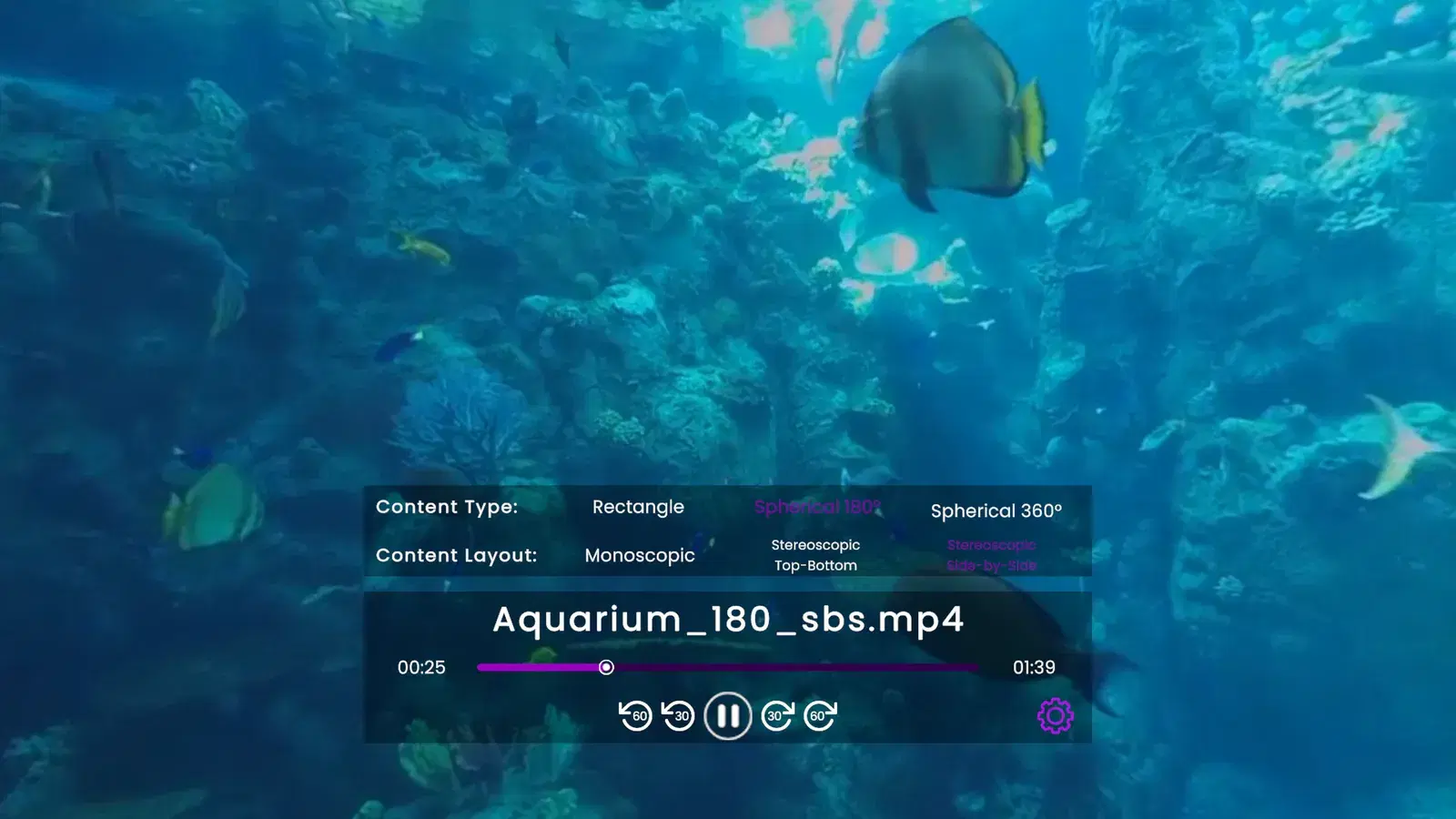
Rad TV is a video player for PS VR2 on PS5. Play your own 180, 360 and 3D videos in the headset from a USB drive, Plex or Jellyfin. Included with Rad TV Premium.
PS VR2 Video Player →No Jellyfin app on PS5? Rad TV plays your Jellyfin library in PS VR2 today through Jellyfin's DLNA plugin, with no Jellyfin sign-in. Needs Premium. Setup steps inside.
Jellyfin on PS5 →Play your Plex library or any DLNA/UPnP media server on PS5 inside PS VR2 with Rad TV, including 180, 360 and 3D video. How to enable DLNA in Plex and connect.
Plex and DLNA on PS5 →Copy your videos to a USB drive and play them in PS VR2 with Rad TV on PS5: 360, 180 and 3D side-by-side or top-bottom, up to 8192x4352. Setup, file naming and formats.
USB Sideloading →Add video RSS feeds to your Rad TV account on the web, then watch them from Library, RSS Feeds on PS5 or in PS VR2.
RSS docs →Rad TV is a VR video player and live TV app for Meta Quest. Play your own 3D, 180 and 360 videos, Plex and Jellyfin over DLNA, and RSS feeds with Rad TV Premium.
Meta Quest Video Player →One app for your Jellyfin, Plex or Emby server on Apple TV, Android TV, iPhone, Android and Meta Quest, as a DLNA client with Rad TV Premium. Live TV channels included.
Jellyfin and Plex on TV and Phone →Rad TV on the App Store plays Jellyfin, Plex and other DLNA/UPnP media servers with Premium. On iPhone and iPad it also plays videos you sideload, including 360 video.
Rad TV on Google Play for Android TV and Google TV devices, such as Chromecast with Google TV, plays DLNA/UPnP media servers and RSS feeds with Premium.
The Rad TV app for Android phones lists your media servers and RSS feeds under Library, with Premium.
Rad TV on the Meta Horizon Store plays your media server, videos you copy to the headset and RSS feeds in VR, including 180, 360 and 3D video, with Premium.
Browse and watch Rad TV's free and premium catalog and live TV. Browsing needs no sign-in.
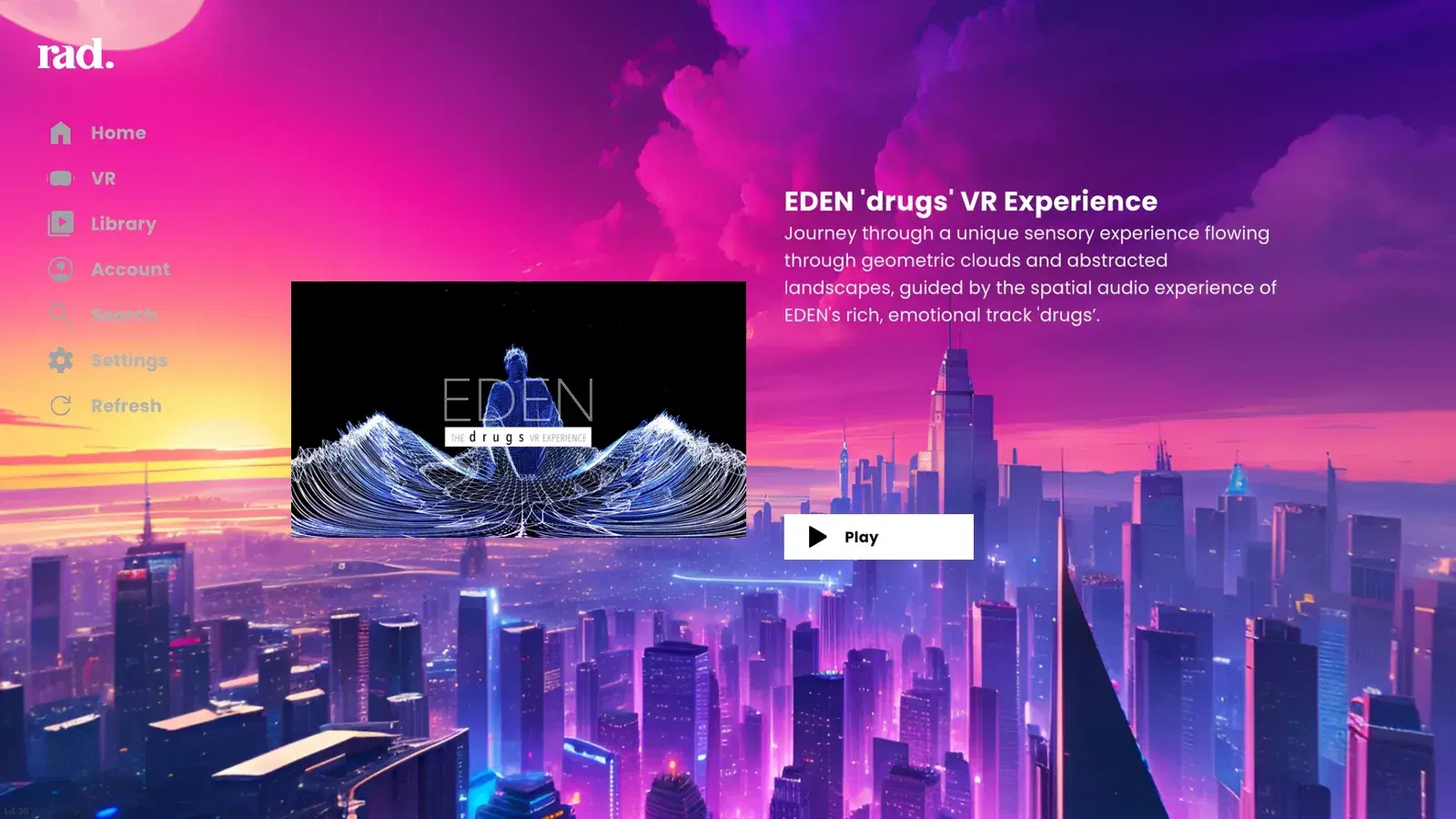
Watch Rad TV's VR catalog and your own videos from USB, media servers and RSS feeds. Your own videos need Rad TV Premium ($6.99/mo), Premium+ or Stream Pass.
Sideloading, media servers and RSS feeds come with Premium, Premium+ and Stream Pass.
The standard version streams Rad TV's catalog and live TV on your TV. The VR version, for PS VR2, also plays your own videos from a USB drive, a DLNA media server such as Plex or Jellyfin, and RSS feeds, including 180, 360 and 3D video.
USB sideloading and DLNA media servers (Plex, Jellyfin and others) are part of the VR version, so they need a PS VR2.
Browsing and free videos are free. USB sideloading, media servers and RSS feeds come with Rad TV Premium ($6.99/mo), Premium+ or Stream Pass.
Yes. Rad TV on Apple TV, iPhone, Android TV, Android phones and Meta Quest plays Jellyfin, Plex and other DLNA/UPnP media servers, with Premium. Meta Quest also plays videos you copy to the headset, in 2D, 3D, 180 or 360.
