
Flat video
No tag needed. Rad TV plays untagged files as flat (Rectangle) 2D video by default.
To play your own videos from USB on PS VR2, format a drive as exFAT or FAT32, put your files in a folder named rad, plug the drive into your PS5, and open Library, Sideloading in the Rad TV VR app. Name files with tags such as _360 or _180_sbs so they open in the right VR format.
What you need
Format it as exFAT or FAT32. Formatting erases the drive, so back it up first. On a Mac, choose the Master Boot Record (MBR) scheme.
Make a folder named rad at the top level of the drive (any capitalization works), with a subfolder for your videos, such as rad/Videos. Nested folders are fine.
Copy your MP4 or WebM files in. Add a tag to the name for VR or 3D videos, for example trip_360.mp4 or concert_180_sbs.mp4.
Connect the drive, turn on PS VR2, launch Rad TV and choose the VR version.
Sign in with Rad TV Premium ($6.99/mo), Premium+ or Stream Pass, then open Library, Sideloading and pick a video.
No tag needed. Rad TV plays untagged files as flat (Rectangle) 2D video by default.
Add 180 or 360 to the file name, for example myvideo_180.mp4 or myvideo_360.mp4.
Add sbs, lr or rl, for example myvideo_180_sbs.mp4, or mymovie_sbs.mp4 for a flat 3D movie.
Add tb, bt or ou, for example myvideo_360_tb.mp4. Avoid these letters in names of videos that are not 3D.
MP4 or MPEG-2 TS with H.264 or H.265 (HEVC), and WebM with VP9. AAC audio, up to 4 channels.
Up to 8192x4352, up to 50 Mbps, and up to 10-bit color. Very high frame rates at the top resolution can stutter.
Flat, 180 degree and 360 degree video, each in 2D or in 3D as side-by-side or top-bottom.
Rad TV does not play MKV (Matroska), AV1 or MOV files, or text subtitles such as SRT or ASS. Convert MKV files to MP4 first.
Sideloading, media servers and RSS feeds come with Premium, Premium+ and Stream Pass.
Yes. Rad TV's VR version plays videos from a USB drive in PS VR2, including 180, 360 and 3D. It needs Rad TV Premium ($6.99/mo), Premium+ or Stream Pass.
Not yet. Rad TV plays MP4 and MPEG-2 TS (H.264, H.265) and WebM (VP9). Convert MKV files to MP4 first. For flat MKV video (H.264) on your TV, the PS5's built-in Media Gallery plays it from USB.
exFAT or FAT32. On a Mac, use the Master Boot Record (MBR) scheme, or your videos may not show up.
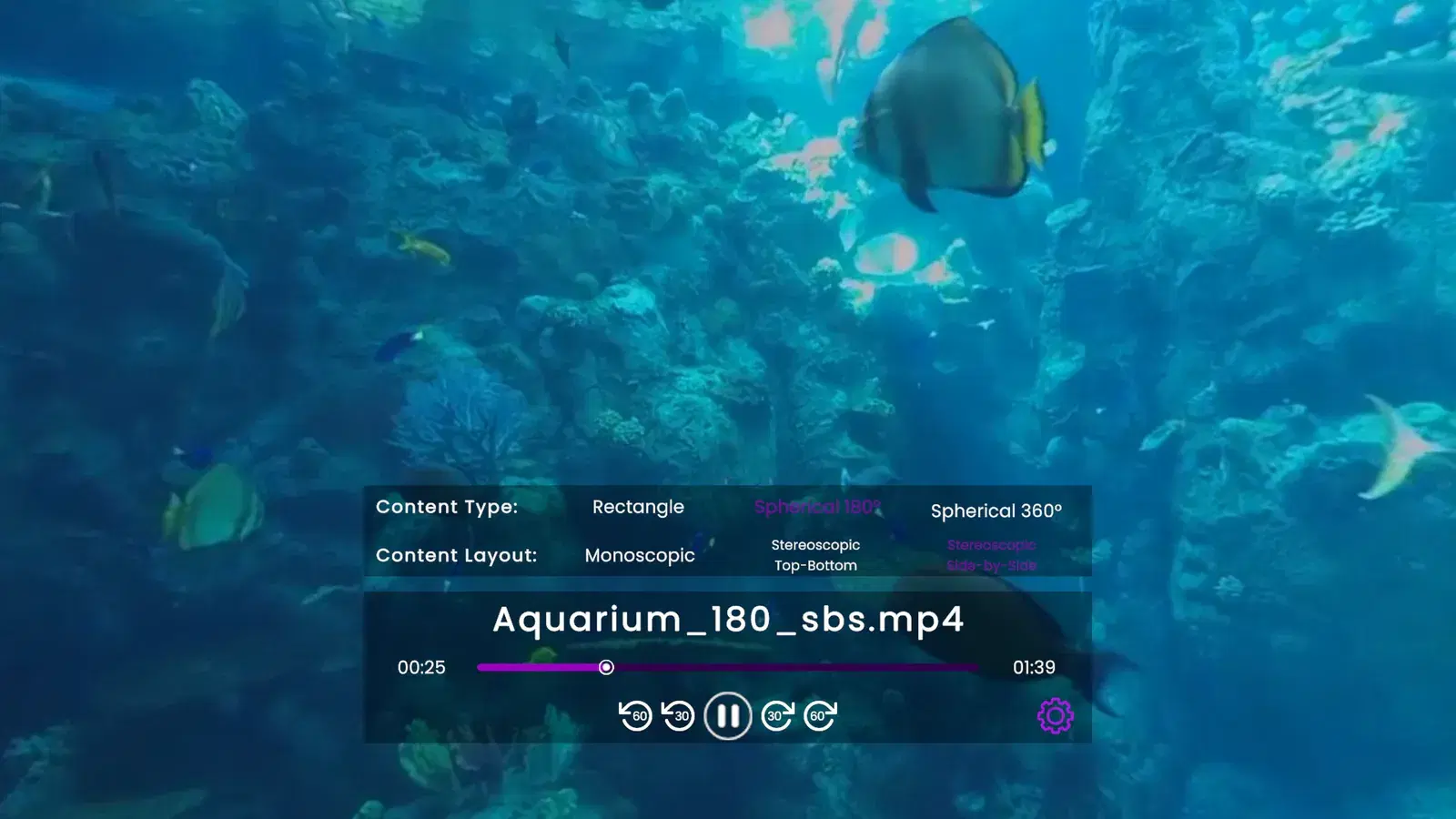
Put 360 in the file name, for example trip_360.mp4, or start the video and choose Spherical 360 under Content Type in the player's settings menu.
No. Sideloading is part of the VR version of Rad TV, so it needs a PS VR2 headset. The standard PS5 version shows that sideloading is part of the VR version.
macOS writes hidden metadata files next to your videos. One copy of each pair is the real video and plays; the other is the hidden file and will not load.
