
USB drive
Copy files to an exFAT or FAT32 drive, plug it into the PS5, and play them from Library, Sideloading.
To watch your own VR videos on PS VR2, install Rad TV from the PlayStation Store on your PS5, open its VR version with the headset on, and play your files from a USB drive or from a home media server such as Plex or Jellyfin. Rad TV plays flat, 180 and 360 degree video in 2D or 3D.
What you need
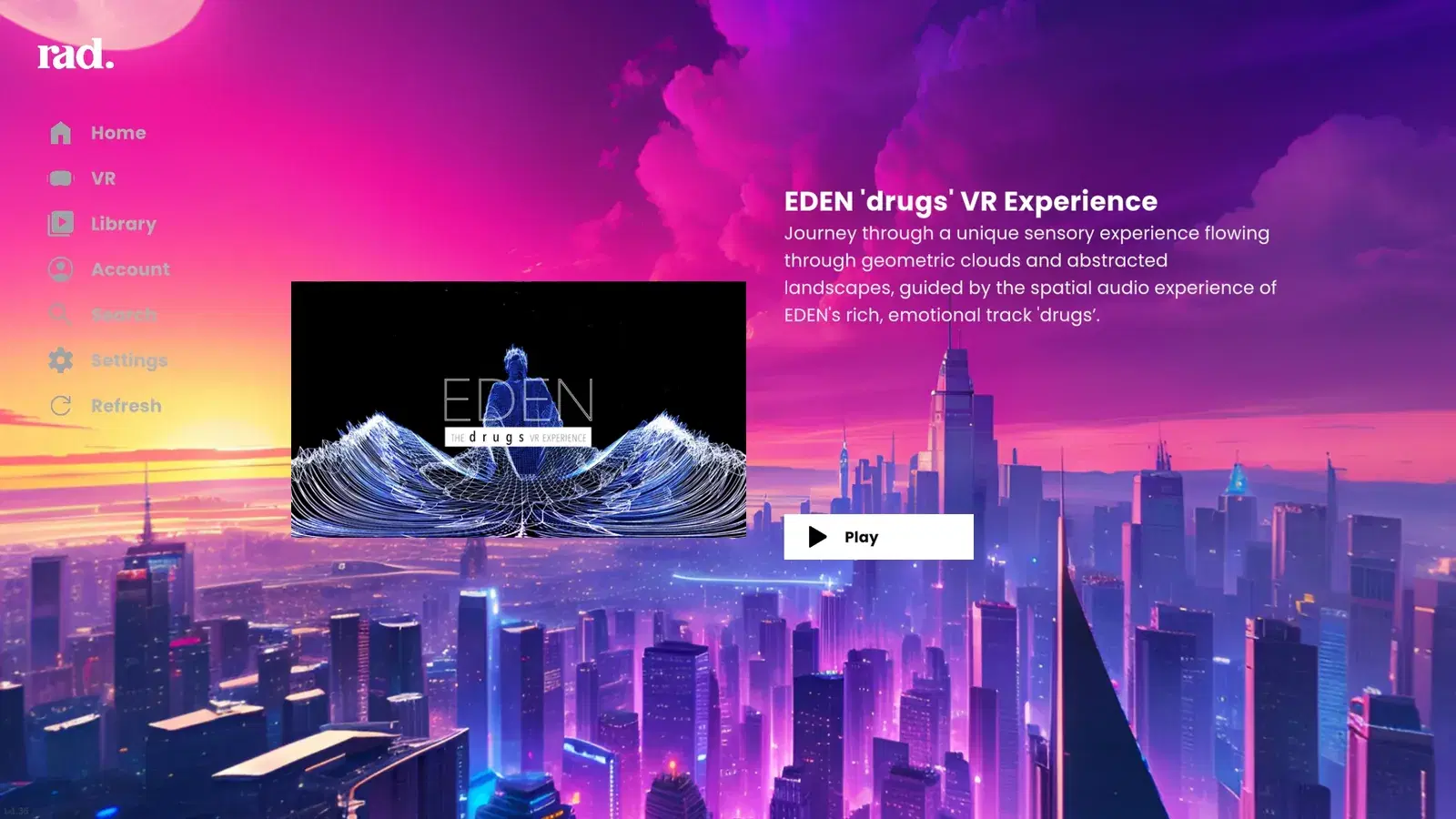
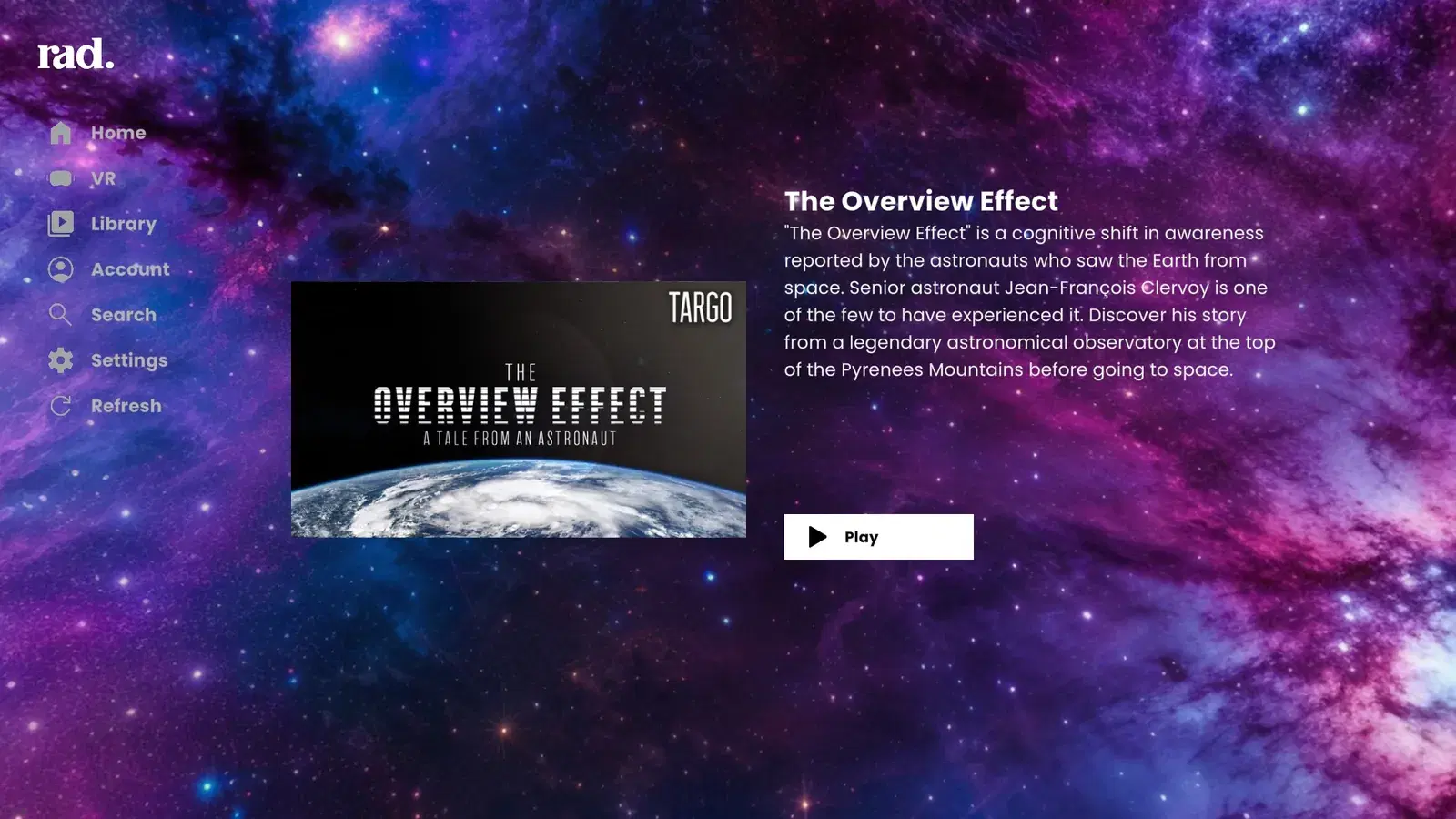
Search for Rad TV in the PlayStation Store app on your PS5. It is not listed on the PlayStation website.
Turn on your PS VR2 headset, launch Rad TV, and choose the VR version when asked. With the headset off, the app opens its standard TV version.
Sign in with an account on Rad TV Premium ($6.99/mo), Premium+ or Stream Pass.
Open Library, then Sideloading for a USB drive or DLNA/UPnP for a media server such as Plex or Jellyfin.
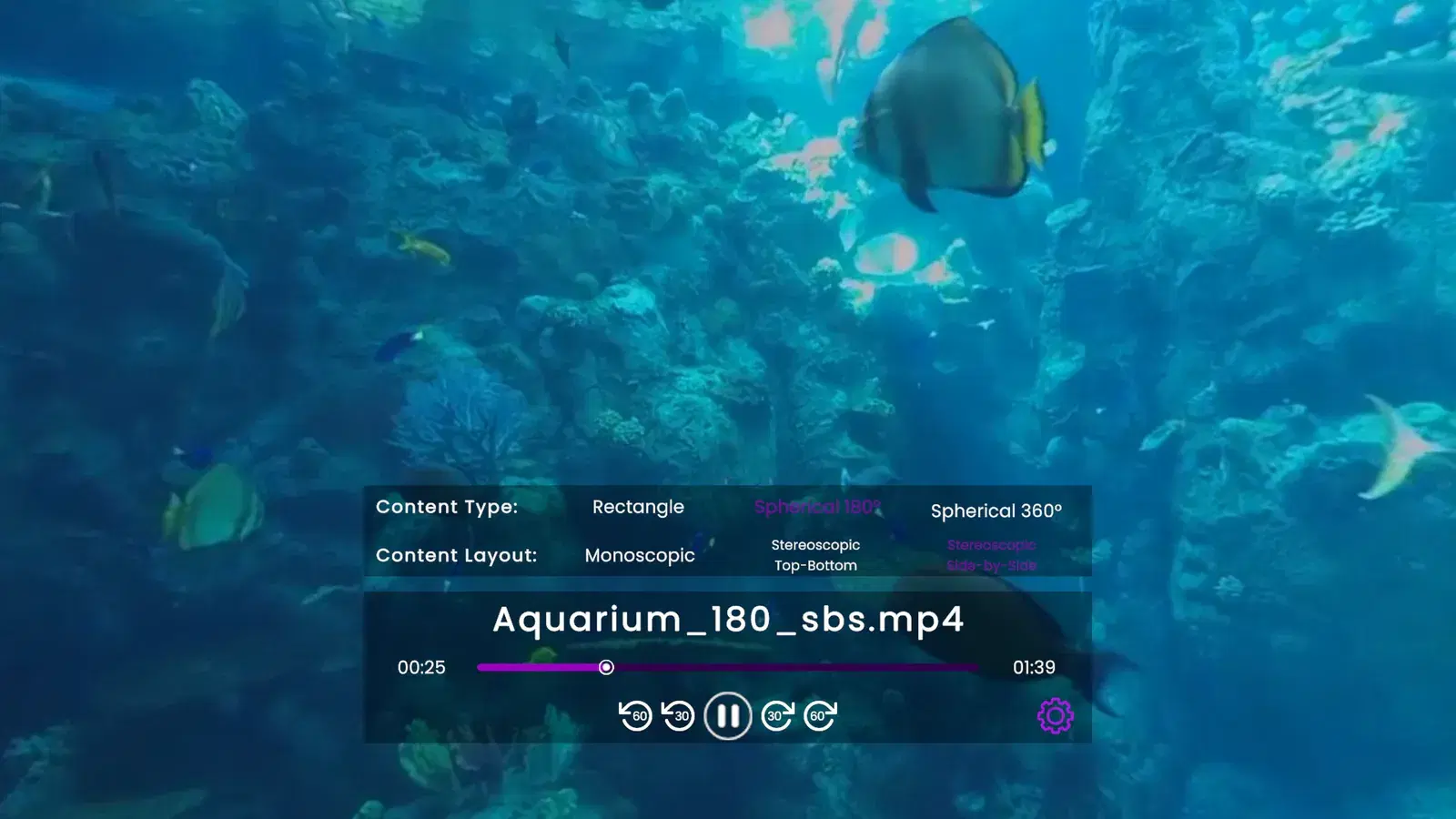
Tag the file name (for example _360 or _180_sbs) or choose Content Type and Content Layout in the player's settings menu.
Copy files to an exFAT or FAT32 drive, plug it into the PS5, and play them from Library, Sideloading.
Stream from a media server on your home network through DLNA/UPnP. Plex and Jellyfin are the servers we test with.
Add video RSS feeds to your Rad TV account on the web, then watch them from Library, RSS Feeds.
MP4 or MPEG-2 TS with H.264 or H.265 (HEVC), and WebM with VP9. AAC audio, up to 4 channels.
Up to 8192x4352, up to 50 Mbps, and up to 10-bit color. Very high frame rates at the top resolution can stutter.
Flat, 180 degree and 360 degree video, each in 2D or in 3D as side-by-side or top-bottom.
Rad TV does not play MKV (Matroska), AV1 or MOV files, or text subtitles such as SRT or ASS. Convert MKV files to MP4 first.
Sideloading, media servers and RSS feeds come with Premium, Premium+ and Stream Pass.
Yes, with an app. The PS5's built-in Media Gallery shows video on a flat virtual screen. To watch 180 or 360 degree video wrapped around you in PS VR2, use a VR video player such as Rad TV, which plays 360 and 180 video from a USB drive or a home media server.
Yes. Rad TV plays 3D side-by-side and top-bottom videos. Add _sbs or _tb to the file name, or set Content Layout in the player's settings menu.
The app is free and includes free videos. Playing your own files from USB or a media server needs Rad TV Premium ($6.99/mo), Premium+ or Stream Pass.
The standard PS5 version plays Rad TV's catalog and live TV on your TV. Playing your own files from USB or a media server is part of the VR version, so it needs a PS VR2.
MP4 or MPEG-2 TS with H.264 or H.265, and WebM with VP9, up to 8192x4352 and 50 Mbps. MKV, AV1 and MOV files and text subtitles are not supported yet.
Not from the picture. Name files with tags such as _180, _360, _sbs or _tb, or choose the content type and layout in the player's settings menu after the video starts.
