
Plex for PS5
Plex's own PS5 app is the way to watch your library on the TV. It does not support PS VR2.
Plex has its own PS5 app for watching on your TV. To watch your Plex library inside PS VR2, including 180, 360 and 3D videos, turn on the DLNA server in Plex Media Server, then open Library, DLNA/UPnP in the Rad TV VR app on your PS5.
What you need
In Plex, open Settings for your server, go to DLNA, check Enable the DLNA server, and click Save.
Optional, but it helps: reserve an IP address for your PS5 in your router's DHCP settings (often called address reservation).
Turn on PS VR2, launch Rad TV on your PS5, and choose the VR version.
Sign in with an account on Rad TV Premium ($6.99/mo), Premium+ or Stream Pass.
Go to Library, DLNA/UPnP and pick your Plex server. Folders and videos appear as Plex shares them.
Plex's own PS5 app is the way to watch your library on the TV. It does not support PS VR2.
Rad TV plays the same library inside the headset on a large virtual screen, plus 180, 360 and 3D videos that a TV app cannot show as VR.
If the server is slow to appear, lower DLNA server announcement lease time in Plex's DLNA settings.
Plex reports WebM files as MKV over DLNA, so Rad TV skips them. Convert WebM files to MP4 for now.
Any media server with a DLNA or UPnP option can work. Look for it under DLNA, UPnP or Networking in the server's settings. Plex and Jellyfin are the servers we test with.
Anyone on your home network can see a DLNA server. Keep UPnP turned off on your router so it is not exposed to the internet.
MP4 or MPEG-2 TS with H.264 or H.265 (HEVC), and WebM with VP9. AAC audio, up to 4 channels.
Up to 8192x4352, up to 50 Mbps, and up to 10-bit color. Very high frame rates at the top resolution can stutter.
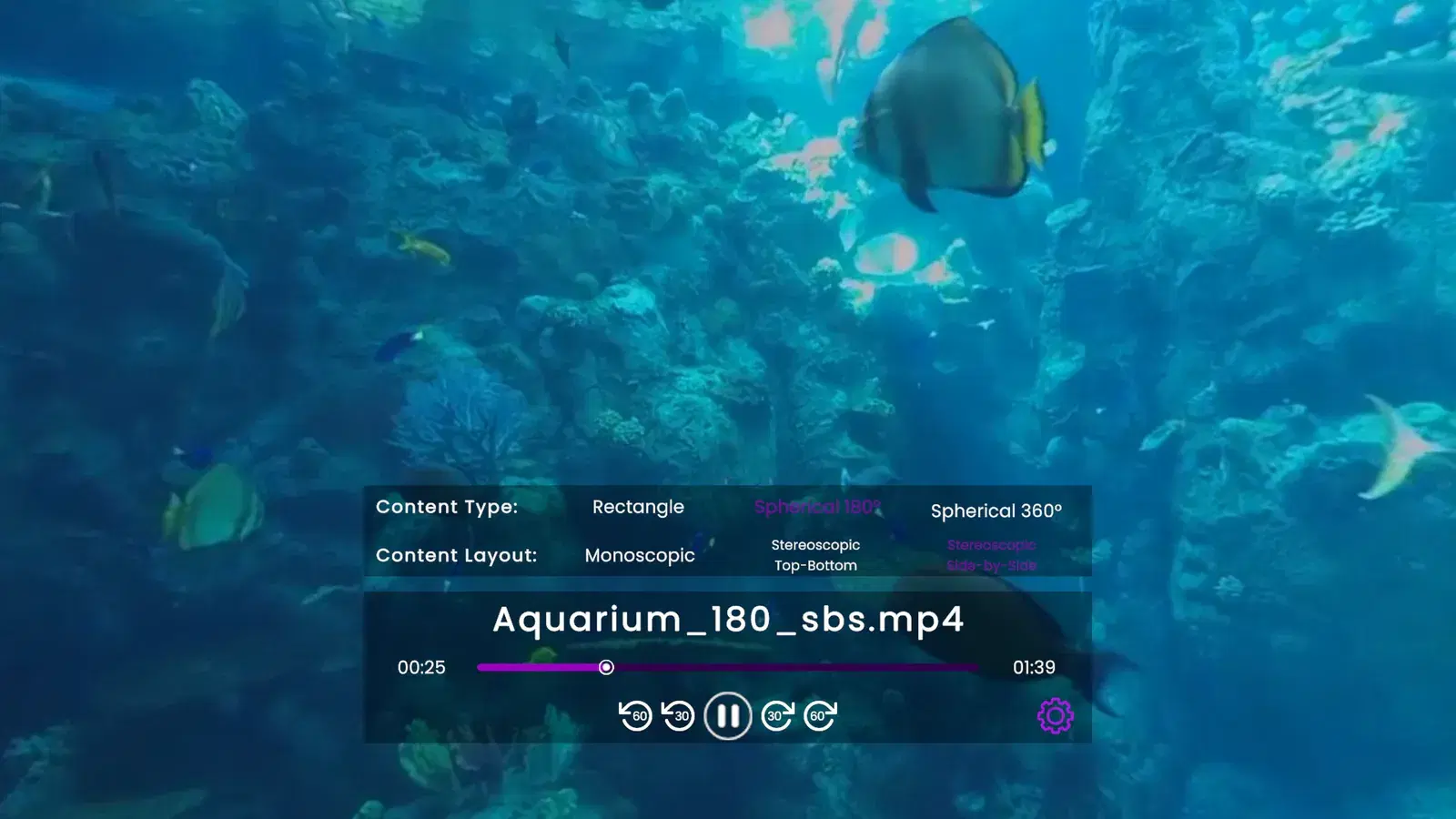
Flat, 180 degree and 360 degree video, each in 2D or in 3D as side-by-side or top-bottom.
Rad TV does not play MKV (Matroska), AV1 or MOV files, or text subtitles such as SRT or ASS. Convert MKV files to MP4 first.
Sideloading, media servers and RSS feeds come with Premium, Premium+ and Stream Pass.
Plex has no PS VR2 app. With Rad TV you can play your Plex library in PS VR2 by turning on Plex's DLNA server and opening it from Library, DLNA/UPnP in the Rad TV VR app.
No. Rad TV reads the DLNA server that Plex Media Server shares on your home network, so there is no Plex login in Rad TV.
Yes. Rad TV connects to DLNA/UPnP media servers. Plex and Jellyfin are the ones we test with, and our docs cover both.
No. DLNA works on your local network only, so your PS5 and your Plex server need to be on the same home network.
Rad TV plays MP4 and MPEG-2 TS (H.264, H.265) and WebM (VP9). MKV files are not supported yet, and Plex labels WebM files as MKV over DLNA, so convert those to MP4.
No. Media servers play in the VR version of Rad TV, which needs a PS VR2. On your TV, use Plex's own PS5 app.
